Written by: Doug Camplejohn, CEO & Co-Founder, Coffee
Key Takeaways
- Manual data entry wastes 71% of sales reps’ time, with only 35% spent selling, while AI CRMs automate this work to boost productivity.
- Coffee leads as the top AI CRM agent, auto-capturing data from emails, calendars, and meetings through Google Workspace or Microsoft 365 integrations.
- Coffee’s data warehouse preserves full historical context, unlike legacy CRMs like Salesforce that lose information when fields are updated.
- Among competitors like Oliv.ai, Hints.so, Clarify, and Day.ai, Coffee offers the most complete automation, saving 8-12 hours weekly per rep.
- Teams can eliminate manual entry by getting started with Coffee for agent-powered CRM that lets reps focus on closing deals.
The Problem: Manual Data Entry Is Killing Your Sales Pipeline
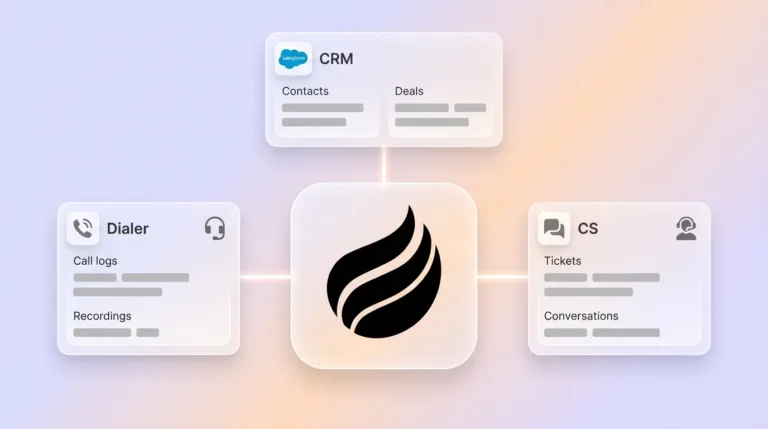
Manual CRM data entry drains sales capacity and weakens your pipeline. Traditional CRMs assume busy sales reps will reliably input data, yet that rarely happens. Customer information ends up scattered across tools like HubSpot, ZoomInfo, SalesLoft, and Fathom, which forces teams to stitch everything together by hand and accept slow, expensive workflows.
The data entry grind consumes a large share of every week. Sales reps spend 6 hours per week on average on administrative tasks, with 4.5 hours per week spent on tasks that could be easily automated. This administrative burden leaves little time for prospecting, discovery, and closing.
Legacy systems like Salesforce carry decades of architectural baggage and rely on relational databases where historical context disappears when fields change. HubSpot, although more modern on the surface, started as a marketing platform and later added CRM features. Both platforms struggle with unstructured data from emails, call transcripts, and meeting notes, which limits visibility into real buyer conversations.
The impact reaches far beyond individual productivity. 43% of CRM users experience a 5-10 hour weekly workload reduction when automation is set up correctly. Without automation, reps create “shadow CRMs” in spreadsheets and Notion, while managers try to forecast from incomplete, outdated records.
5 AI CRMs That Cut Manual Data Entry
1. Coffee: Complete Agent-Powered CRM
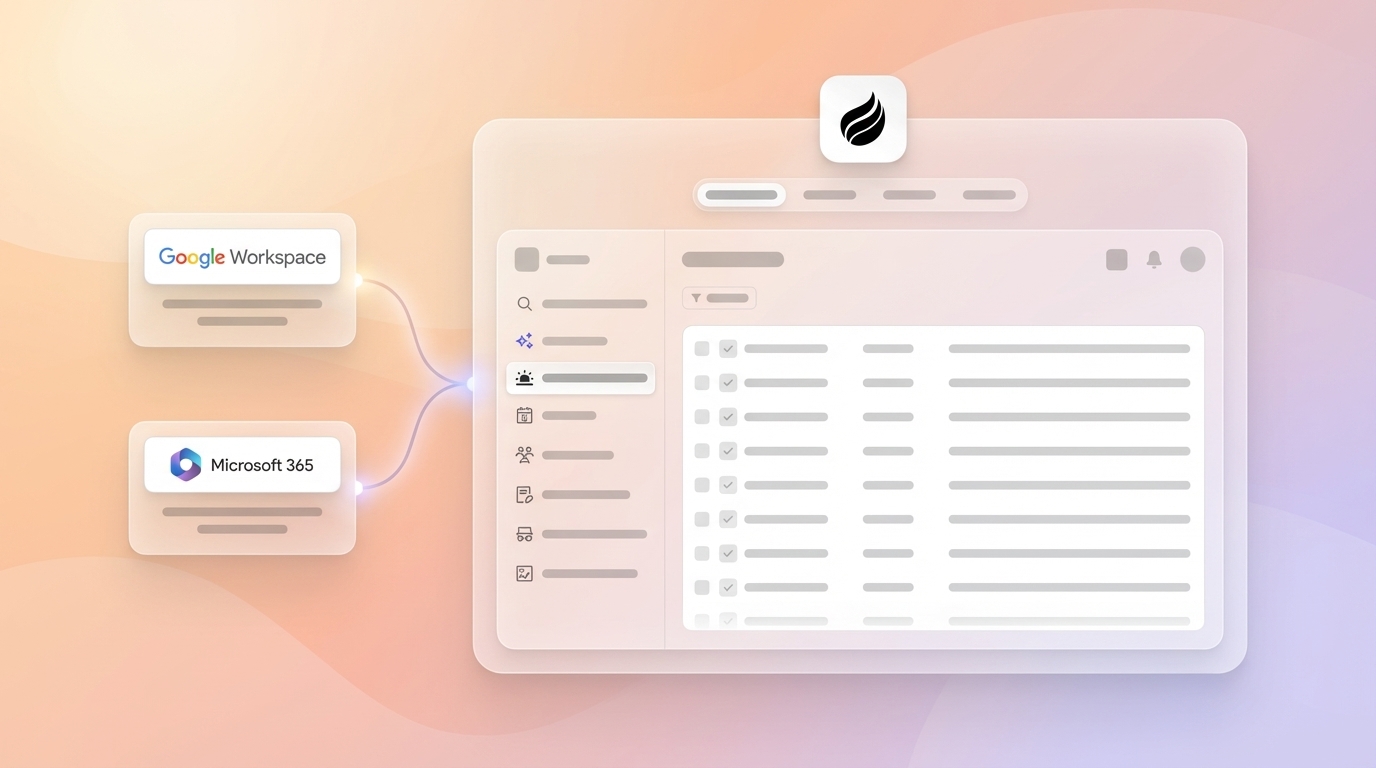
Coffee acts as a true CRM agent that manages both structured and unstructured data through deep automation. After you connect Google Workspace or Microsoft 365, Coffee scans emails and calendars, then auto-creates contacts and companies, so reps no longer need to build records by hand.

The meeting orchestration features work like a pre- and post-meeting executive assistant. The agent joins Zoom, Teams, and Google Meet calls, records and transcribes conversations, then creates summaries aligned with BANT, MEDDIC, or SPICED. Coffee also drafts follow-up emails in Gmail for quick review and sending, which removes nearly all post-meeting admin work.

Coffee’s data warehouse architecture preserves every change and interaction, instead of overwriting fields like a traditional relational database. This design powers the Pipeline Compare feature, which shows week-over-week changes and deal movement without manual CSV exports or spreadsheet gymnastics.
A fast-growing AI services company illustrates this impact. The team previously ran sales from spreadsheets and rejected Salesforce and HubSpot because of the manual workload. Coffee’s automatic capture from Google Workspace and its Pipeline Compare view turned weekly reviews into focused strategy sessions and saved each rep 8-12 hours every week.
2. Oliv.ai: Bi-Directional CRM Integration
Oliv AI provides native bi-directional integrations with Salesforce, HubSpot, and Dynamics, enabling real-time automated data flow and custom field automation. The CRM Manager agent creates missing contacts and enriches account data based on sales conversation analysis, which saves about 5.5 hours per week. Oliv focuses mainly on structured data, so it may not match Coffee’s depth with unstructured data or its warehouse-level historical tracking.
3. Hints.so: Natural Language CRM Updates
Hints.so lets reps update CRM records using natural language through email and WhatsApp. Reps can send quick conversational commands instead of typing into forms. This approach reduces friction for simple updates, yet the platform lacks full agent orchestration and tight integrations with meeting platforms and calendars that many sales teams expect.
4. Clarify: AI-Powered Interaction Summaries
Clarify CRM focuses on AI-generated summaries and insights from customer interactions. As an “After ChatGPT” tool, it reflects modern thinking about CRM automation and conversation intelligence. Clarify may still fall short of Coffee’s level of agent orchestration and end-to-end automation for teams with established, multi-step sales workflows.
5. Day.ai: Unstructured Data Specialist
Day.ai specializes in processing unstructured data such as email text and call transcripts to support productivity and CRM use cases. This focus helps teams that care most about conversation data. Many organizations will still need additional tools or integrations for broader structured data management, while Coffee covers both within a single agent solution.
|
CRM |
Auto Data Mechanisms |
Time Saved |
Best For/Gaps |
|
Coffee |
Google/MS365 sync, meeting bot, data warehouse |
8-12 hours/week |
SMBs wanting complete automation |
|
Oliv.ai |
Bi-directional CRM sync, conversation analysis |
5.5 hours/week |
Existing CRM users, limited unstructured data |
|
Hints.so |
Natural language updates, email/WhatsApp |
3-4 hours/week |
Simple updates, lacks full orchestration |
|
Clarify |
AI summaries, interaction insights |
2-3 hours/week |
Sales teams, may need additional integrations |
|
Day.ai |
Unstructured data processing |
2-4 hours/week |
Productivity focus, may need additional CRM features |
How Coffee’s Agent Achieves Zero Manual Entry
Coffee’s data warehouse architecture gives it a structural edge over Salesforce and HubSpot. Legacy relational databases overwrite fields and lose context, while Coffee stores a complete history of interactions and changes, which supports accurate trend analysis and pipeline intelligence.
The agent follows a “Good Data In, Good Data Out” approach. It automatically captures high-quality, ground-truth data from emails, calendars, and meeting transcripts, so forecasts and insights rest on reliable inputs instead of partial notes.
Coffee’s founder-led product strategy focuses on small teams and their specific pain points. The agent starts working as soon as you connect your workspace, without complex setup or long training cycles, which makes it a strong fit for companies moving from spreadsheets to a professional CRM.
Simple Workflow: Automate CRM Data Entry for Sales Meetings
Teams can automate CRM data entry for sales meetings by following three straightforward steps.
Step 1: Connect Your Workspace Connect your Google Workspace or Microsoft 365 account so Coffee can create contacts and companies automatically from email and calendar data.
Step 2: Deploy the Meeting Agent Configure the AI agent to join scheduled Zoom, Teams, or Google Meet calls for automatic recording and transcription of every sales conversation.

Step 3: Review and Send After each meeting, review the AI-generated summaries, action items, and follow-up drafts in your email client, then send them with a single click.

Why Coffee Wins: One Agent Instead of a Tool Stack
Coffee replaces a patchwork of tools with one agent-powered platform. Many sales teams juggle separate products for CRM, enrichment, call recording, and forecasting, which raises costs and creates integration headaches. Coffee’s agent covers these functions natively, which reduces technical overhead and subscription spend.
Reps prefer Coffee because the agent works for them instead of demanding constant updates. Companies using AI for sales prioritization report 22% productivity gains and faster deal cycles, and Coffee delivers similar gains while staying simple enough for lean teams.
Recent market data supports this approach. AI-driven CRM users averaged 15-20% higher revenue and 10-15% greater customer satisfaction, and organizations using Einstein AI reported an average 22% increase in sales productivity. Coffee brings comparable automation outcomes without the heavy complexity of large enterprise platforms.
Get started with Coffee to bring agent-powered CRM automation to your growing sales team.
Frequently Asked Questions
Best CRM for Small Sales Teams Under 25 Reps
Coffee’s Standalone CRM fits small sales teams that are leaving spreadsheets or want a simpler option than legacy systems. The agent handles all data entry automatically, so teams gain professional CRM capabilities without extra admin work. Straightforward seat-based pricing and instant workspace integration keep the focus on selling instead of system maintenance.
AI CRM That Automates Follow-Ups Without Manual Entry
Coffee’s agent offers comprehensive follow-up automation by joining meetings, creating summaries, surfacing action items, and drafting follow-up emails in Gmail or Outlook. Other tools often require manual copying between systems, while Coffee stays inside your existing email workflow. The agent can structure follow-ups using frameworks like MEDDIC or BANT for consistent messaging.
Effective Approach to Automating CRM Data Entry
Effective CRM data entry automation combines workspace integration, meeting intelligence, and a data warehouse that preserves history. The strongest results come from an AI agent that captures structured data from calendars and emails, plus unstructured data from transcripts and notes, so teams maintain data quality without manual input.
Coffee Compared to Salesforce for Automation
Coffee operates as an active agent that removes manual data entry, while Salesforce depends on configured automation tools such as Flows. Coffee’s data warehouse keeps a full interaction history, whereas Salesforce’s relational database loses context when fields change. Coffee automatically creates contacts, logs activities, and generates follow-ups, which gives small teams immediate value without a complex rollout.
AI CRMs Handling Structured and Unstructured Data
Coffee handles both structured data, such as contact records and deal values, and unstructured data from emails, call transcripts, and meeting notes. The agent’s data warehouse architecture stores and processes both types, while many legacy CRMs struggle with unstructured information. This approach gives leaders complete pipeline visibility without extra formatting or manual entry.
Conclusion: Let Coffee’s Agent Give Selling Time Back
Manual data entry turns skilled sales professionals into part-time administrators and produces unreliable pipeline data. Coffee’s AI agent removes that burden through automation that covers contact creation, meeting intelligence, and follow-up generation. Small and mid-sized teams that want to spend more time selling and less time typing can treat Coffee as a complete, agent-powered CRM.
Get started with Coffee today so the agent can manage your CRM while your team focuses on closing deals.