
Key Takeaways:
- Many HubSpot sales teams lose time to manual data entry, fragmented processes, and limited pipeline visibility.
- AI-driven automation in HubSpot can reduce administrative work, improve data quality, and support more accurate and proactive sales management.
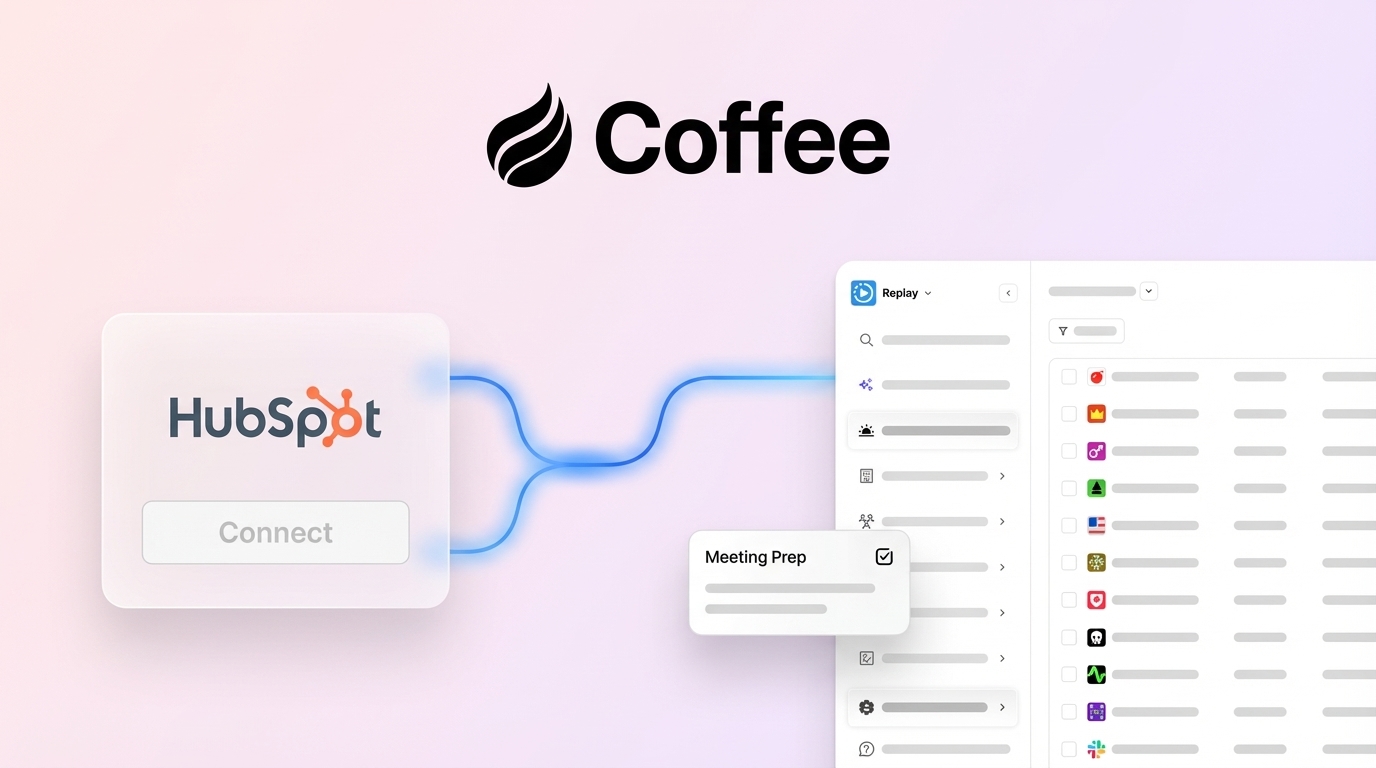
- Coffee’s Companion App connects to HubSpot to automate data capture, meeting workflows, and pipeline analysis while preserving existing CRM configurations.
- Sales leaders can use this guide to identify workflow gaps, prepare teams for AI adoption, and measure impact beyond basic efficiency gains. Get started with Coffee’s Companion App and evaluate how intelligent automation fits their environment.
How AI Improves HubSpot Sales Workflows And Solves Key Challenges
Reduce Inefficiency From Manual HubSpot Processes
Many organizations still experience productivity loss from manual processes inside HubSpot, even when core automation is in place. These inefficiencies affect revenue, forecasting accuracy, and team morale.
Manual data entry remains a persistent challenge for HubSpot users. Even with basic automation, sales reps often spend significant time logging call notes, updating contact records, and creating opportunities. This time shifts focus away from active selling, and many reps end up spending only about one-third of their working hours on direct sales activities.
Data fragmentation creates additional friction. When HubSpot does not capture the full context of customer interactions, sales teams often maintain separate notes in tools such as Notion or spreadsheets. These shadow CRMs create gaps in information, which lead to missed opportunities, inconsistent follow-ups, and duplicated effort.
The impact goes beyond time. Poor data quality produces inaccurate forecasts and lower trust in the CRM. When reps view updates as administrative chores instead of helpful context for their work, adoption decreases. This creates a cycle of incomplete data and reduced system value.
Address Gaps In Traditional HubSpot Workflows
HubSpot includes powerful tools such as Sequences and Workflows, yet some sales teams struggle to fully use these capabilities when working with unstructured or complex data. Meeting notes, email content, and conversational context often require extra manual effort to interpret and act on without complementary tools.
Rule-based automation also has limits for some teams. It triggers actions from predefined events but does not always surface patterns that fall outside those rules. As a result, sales teams can miss early indicators of deal risk or expansion potential that an AI system could highlight from subtle data signals.
Introducing Coffee’s Companion App: Your AI Co-Pilot for HubSpot Sales
Use Coffee As The Intelligent Layer For HubSpot Automation
Coffee’s Companion App adds an AI layer on top of your existing HubSpot investment and targets inefficiencies in traditional workflows. HubSpot stays your system of record, while Coffee connects to it and provides advanced automation and insights that work with your existing processes and customizations.
The integration process is straightforward. A quick authentication connects Coffee to your HubSpot instance and syncs relevant data for enrichment and automation. Users keep control over which insights and updates flow back into HubSpot, so the CRM remains accurate and aligned with team expectations while benefiting from AI-generated context.
Key AI-Driven Features That Enhance HubSpot
- Eliminate manual data entry. Coffee automatically creates and enriches contacts and companies by scanning email and calendar data. After connecting Google Workspace or Microsoft 365 accounts, it populates HubSpot with relevant people and organizations, logs activities, and enriches records with details such as job titles and company information. This can save sales reps an estimated 8 to 12 hours per week.
- Automate pre- and post-meeting workflows. Coffee acts as a sales assistant by preparing briefings before meetings, including attendee details, company information, and past interaction summaries. An AI meeting bot can join calls on Google Meet, Microsoft Teams, or Zoom to record and transcribe conversations. After the meeting, it generates summaries, identifies action items, and drafts follow-up emails that can align with methodologies such as BANT or MEDDIC.
- Strengthen pipeline intelligence. Coffee’s built-in data warehouse captures historical pipeline snapshots and supports a compare feature that shows week-over-week changes. Sales teams can see deal progression, new additions, closures, and stalled opportunities without exporting data, which makes pipeline reviews more focused and strategic.
- Consolidate the tech stack. Coffee combines capabilities often delivered by separate tools, including CRM data enrichment, call recording, and forecasting, into one platform. This consolidation can reduce overall software costs and simplify the technology environment for HubSpot users.
- Increase CRM adoption for sales reps. Coffee emphasizes features that directly assist reps in their day-to-day work, so the system feels like a co-pilot rather than a monitoring tool. This focus encourages more consistent usage and improves the completeness of CRM data.
Sales teams that want to enhance HubSpot sales operations with AI-driven automation can get started with Coffee’s Companion App and evaluate how intelligent automation fits their environment.
Strategic Considerations for AI-Powered Sales Workflow Automation in HubSpot
Understand The Shift From Rules To AI Intelligence
Sales automation is evolving from simple, rule-based systems to more proactive, AI-driven processes. Traditional HubSpot workflows rely on predefined triggers and static criteria. AI extends this approach by interpreting context, spotting patterns across interactions, and suggesting actions based on data signals, which can bridge the gap between solid workflow foundations and advanced automation.
Prepare Your Organization For AI Adoption In HubSpot
Successful AI adoption within HubSpot depends on both technical readiness and cultural alignment. Organizations benefit from assessing data quality, user behavior, and change management plans before layering AI into existing workflows.
Data quality is a central factor. Coffee helps improve data through automated capture and enrichment, but reviewing existing HubSpot records for major gaps strengthens AI outputs. Understanding current pain points, such as heavy manual data entry or inconsistent logging, helps teams prioritize which AI capabilities to roll out first.
Change management is equally important. Clear expectations, focused training, and pilot programs can reduce resistance and surface practical feedback. Involving power users early, gathering their input, and using their workflows as reference points supports a smoother rollout across the wider team.
Build A Business Case That Goes Beyond Efficiency
The impact of AI-driven automation extends beyond time saved on data entry. Improved data quality supports better forecasting, more targeted outreach, and more consistent follow-up across accounts and opportunities.
Coffee’s automation increases visibility into sales activities, which helps managers and leaders make more informed decisions. It can also consolidate overlapping tools and subscriptions and support growth without adding equivalent administrative overhead. These benefits together form a broader ROI story that includes efficiency, data reliability, and scalability.
How Coffee’s Companion App Elevates Core HubSpot Sales Workflows
Enhance Data Capture And Activity Logging In HubSpot
Coffee upgrades data capture by automatically creating contacts and companies from email and calendar interactions and enriching those records without manual input. It logs activities such as last activity and next activity, so deal information stays current in HubSpot. This reduces the administrative load on reps and supports cleaner account and opportunity views.
Optimize Meeting Management With AI And HubSpot
Coffee strengthens meeting workflows from preparation through follow-up. Reps receive detailed briefings before calls, including relevant contact and company context pulled from connected systems.
During meetings, Coffee’s AI bot can join, record, and transcribe calls. Afterward, it generates concise summaries, identifies action items, and drafts personalized follow-up emails. These outputs are available within the Coffee interface and can also be delivered through Slack notifications, which saves time and keeps next steps clear.
Make Pipeline Management More Proactive In HubSpot
Coffee’s pipeline intelligence features provide quick visibility into how the pipeline is changing over time. The comparative view shows shifts in deal stages, new opportunities, and closed or stalled deals between two points in time.
This historical view supports more productive pipeline review meetings, since teams can see movement and trends without building new reports or relying on manual exports and spreadsheets.
Coffee’s AI vs. Native HubSpot Automation & Point Solutions
Compare Coffee’s Integrated Approach To Other Setups
The following comparison highlights how Coffee’s integrated AI approach differs from using traditional HubSpot workflows alone or combining HubSpot with multiple point solutions:
|
Feature/Capability |
Traditional HubSpot Workflows |
HubSpot + Multiple Point Solutions |
Coffee’s Companion App with HubSpot |
|
Manual Data Entry Elimination |
Limited, relies on rules |
Requires manual setup and integration |
Automatic from email and calendar |
|
AI-Powered Meeting Summaries |
Limited in some setups |
Often requires a separate tool |
Built in, AI-generated |
|
Pipeline Intelligence |
Sometimes requires manual exports or custom reports |
Often requires a separate analytics tool |
Built in, with historical snapshots |
|
Tech Stack Consolidation |
Moderate, some native features |
High complexity with multiple subscriptions |
High, integrates core functions |
Coffee delivers AI capabilities in close connection with HubSpot, which can reduce complexity and cost compared with a multi-tool setup and help maintain consistent data flow and a unified experience for users.
Teams that want to improve their HubSpot environment with intelligent automation can get started with Coffee’s Companion App and review its impact on their sales processes.
Common Pitfalls for HubSpot Users Adopting AI Sales Automation
Overlooking Data Quality In Your HubSpot CRM
One frequent mistake is deploying AI on top of incomplete or inconsistent data. Coffee helps improve data quality by enriching contacts and companies based on real interactions, but starting from fragmented records can still limit early results.
Organizations benefit from auditing HubSpot data for major gaps, such as missing key fields on high-value accounts, while also allowing Coffee to build richer profiles over time. This balance avoids long delays before implementation and still supports reliable automation.
Relying On Fragmented Systems Instead Of Integrated AI
Using separate point solutions to cover individual automation needs often increases complexity, adds integration work, and creates more user interfaces for reps to manage. Coffee’s integrated approach enhances HubSpot workflows in one environment and consolidates overlapping functionality, which can reduce friction for both users and administrators.
Underestimating The Importance Of Sales Team Adoption
User adoption is a key factor in realizing value from AI tools. If sales teams see new software as extra work, usage will fall and data will stay incomplete.
Coffee addresses this risk by automating routine tasks, such as logging activities and drafting follow-ups, and by operating as a co-pilot that fits into existing workflows. Structured change management, training, and targeted pilot programs further support positive adoption and measurable ROI.
Frequently Asked Questions about AI Sales Workflow Automation in HubSpot
How does Coffee’s Companion App handle data security and privacy with HubSpot data?
Coffee follows established security and privacy standards, including SOC 2 Type 2 and GDPR compliance, to protect HubSpot data. The platform has a clear policy against using customer data to train generalized AI models, which helps preserve data integrity and confidentiality.
Can Coffee replace my existing data enrichment tools within HubSpot?
Coffee includes built-in enrichment that automatically augments contacts and companies with details such as job titles and company information. For some teams, this capability can reduce the need for separate enrichment tools and simplify the overall tech stack.
Is the Pipeline Compare feature compatible with custom HubSpot deal stages?
Yes. Coffee’s Pipeline Compare feature tracks changes across custom deal stages and properties in HubSpot. It maintains historical context so users can analyze trends, even as they refine their pipeline configuration over time.
How does Coffee specifically reduce manual data entry for HubSpot sales reps?
Coffee reduces manual data entry by creating and enriching contacts from email and calendar interactions, logging activities, transcribing meetings, and drafting follow-up emails. Reps can move from manual updates to quick reviews and approvals, which frees up more time for selling.
What happens to my existing HubSpot workflows when I implement Coffee?
Coffee is designed to enhance, not replace, existing HubSpot workflows. It syncs data to improve quality and context without removing or disrupting current automation. Users can configure how Coffee writes back to HubSpot and can expand usage gradually as they see results.
Conclusion: Elevate Your HubSpot CRM with AI-Driven Sales Workflow Automation
AI is reshaping sales operations, and Coffee’s Companion App provides a structured way to enhance HubSpot with intelligent automation. By integrating alongside existing workflows, Coffee adds value while preserving the CRM investments and processes that teams already rely on.
The benefits of AI automation include higher data quality, streamlined processes, and more effective sales execution. For HubSpot users, Coffee helps unlock these advantages without requiring a full system change.
To explore how Coffee’s Companion App can improve sales workflow automation in your HubSpot environment, get started and review how the platform fits your team’s goals.