Written by: Doug Camplejohn, CEO & Co-Founder, Coffee | Last updated: July 26, 2026
Key Takeaways
- A unified agent platform automates the full pre- and post-meeting workflow, including research, briefing, transcription, coaching, CRM sync, and follow-up, without manual data transfers between tools.
- Legacy CRMs and point solutions like Gong, Avoma, Fireflies, and ZoomInfo require fragmented stacks, manual configuration, and ongoing maintenance that create data quality and adoption issues.
- Coffee’s agent delivers native pre-meeting briefings, live transcription with coaching overlays, transcript-driven follow-up emails, and reliable CRM sync to Salesforce, HubSpot, or its own primary CRM database.
- Teams using Coffee reclaim 8–12 hours per rep per week, scale without adding tools, and avoid the hidden maintenance costs of multi-vendor stacks.
- Eliminate fragmented sales tools and unify your meeting workflow with Coffee to boost productivity and data quality.
The Automated Pre- and Post-Meeting Workflow: 8 Steps
- Lead qualification trigger: A prospect reaches SQL status, the agent sends a personalized booking link, and routes the meeting to the correct rep via territory or round-robin rules.
- Confirmation and reminders: The agent sends confirmation sequences and automated reminders. Automated email reminders sent 24 hours and 1 hour before a booking reduce no-shows by 30–50%.
- Pre-meeting briefing: The agent pulls account history, stakeholder context, recent company news, competitive positioning, and past transcript signals into a structured brief. Fully automated AI prep significantly reduces per-meeting preparation time.
- Live transcription and speaker tracking: The agent joins the call on Zoom, Teams, or Meet, records, transcribes, and identifies speakers in real time.
- Real-time coaching overlays: The agent surfaces BANT, MEDDIC, or SPICED qualification prompts and objection-handling cues during the conversation.
- Post-meeting summary and action items: The agent extracts pain points, next steps, objections, and exact prospect phrases, then generates a structured summary. Post-meeting automation reduces rep time spent on call admin from 45 minutes to under 5 minutes.
- CRM sync: The agent writes the summary, updated deal stage, qualification fields, and next follow-up date directly to Salesforce, HubSpot, or Coffee’s native CRM, without manual entry.
- Follow-up sequence: The agent drafts a personalized follow-up email from the transcript for rep review and triggers a multi-touch sequence. A Lead Connect study found that 78% of sales go to the vendor that responds first, which supports same-day delivery.
Evaluation Criteria for Pre- and Post-Sales Meeting Automation Platforms
Seven criteria define what a complete pre- and post-meeting automation platform must deliver.
- Pre-meeting research and briefing automation: The platform should generate structured briefs from CRM history, emails, and external signals without manual prep.
- During-meeting capture and coaching: The platform should transcribe, identify speakers, and surface qualification prompts live.
- Post-meeting follow-up automation: The platform should draft follow-up emails and multi-touch sequences directly from the transcript.
- CRM sync depth and data quality: The platform should write structured fields such as deal stage, pain, objection, and next step back to the CRM reliably, without creating duplicates or silent failures.
- Unified data model (structured and unstructured): The platform should store and reason across both relational CRM fields and unstructured sources like email threads and call transcripts.
- Integration effort with Salesforce or HubSpot: The connection should require minimal configuration, admin overhead, and ongoing maintenance.
- Time savings and long-term scalability: The platform should document per-rep time reclaimed and scale without adding new point solutions.
Side-by-Side Comparison of Coffee and Alternative Platforms
The table below evaluates six platforms across the seven criteria. Ratings reflect publicly documented capabilities as of mid-2026. “Partial” indicates the feature exists but requires additional configuration or a separate product tier.
| Criterion | Coffee | Point Solutions (Avoma, Gong, Fireflies) | ZoomInfo | Generic CRM Automation Builders (HubSpot Breeze / Salesforce Agentforce) |
|---|---|---|---|---|
| Pre-meeting briefing automation | Native, agent generates briefings from CRM history, emails, and enrichment data. Custom Meeting Briefings launched February 2026. | Partial, Avoma and Gong surface prior call data, but enrichment-driven briefing requires additional tools. | Partial, intent and contact data available, but no native briefing generation. | Partial, HubSpot Breeze handles prospecting research but offers limited customization depth for complex sales motions. |
| During-meeting capture and coaching | Native, bot joins Zoom, Teams, and Meet with speaker tracking and BANT, MEDDIC, and SPICED overlays. | Strong, Gong and Avoma are purpose-built for transcription and coaching, while Fireflies transcribes without live coaching. | Not available natively. | Partial, Salesforce Agentforce adds conversation intelligence at higher license tiers. |
| Post-meeting follow-up automation | Native, agent drafts follow-up email in Gmail from transcript. Improved summary templates writeable to Coffee, HubSpot, or Salesforce launched November 2025. | Partial, Avoma drafts follow-ups, Gong requires Engage add-on, and Fireflies generates summaries without sequencing. | Partial, Engage product handles sequences but is not transcript-driven. | Partial, HubSpot sequences exist but are not auto-triggered from transcript content. |
| CRM sync depth and data quality | Native, agent writes structured fields, enriches contacts, and logs activity automatically, built on a data warehouse preserving full history. | Partial, Gong and Fireflies push summaries to CRM via API, and field mapping requires manual configuration and ongoing maintenance. | Partial, enriches records but does not write meeting outcomes. | Partial, cross-platform syncs are the #1 source of HubSpot data quality problems including duplicates and data gaps. |
| Unified structured and unstructured data model | Native, data warehouse stores relational fields and full transcript history. AI search on deals answers natural-language questions across all deal data as of January 2026. | Partial, Gong stores transcripts but does not unify them with CRM structured fields natively. | Structured data only. | Limited, legacy CRM architectures rely on basic relational databases where historical context is lost when fields are updated. |
| Integration effort with Salesforce / HubSpot | Low, simple OAuth authentication, agent syncs bidirectionally, and no dedicated admin is required. | Medium, many AppExchange apps charge additional per-user fees of $15–$80 per month on top of the base CRM license. | Medium to high, enrichment sync requires field mapping and deduplication governance. | High for Salesforce, enterprise Salesforce orgs often require a dedicated admin costing $80,000–$120,000 per year to manage custom object sprawl and governor limits. |
| Time savings and scalability | Eight to twelve hours per week per rep (Coffee internal data), and it scales as Standalone CRM or Companion App without adding tools. | Single-tool pilots land at 3–5 hours of weekly savings, so stacking multiple point solutions is required to reach full workflow coverage. | Time savings remain limited to research tasks and do not address meeting or post-meeting admin. | Embedded AI within CRM platforms typically costs $50–$150 per user per month, scales within the CRM, but does not replace the need for conversation intelligence tools. |
How to Automate Your Sales Process: Data Quality and Automation Depth
Sales reps spend about 70% of their time on non-selling tasks, including manual CRM entry, internal updates, and post-call documentation. The core trade-off in any automation decision is whether the platform fixes the data quality problem at the source or simply accelerates a broken input process.
Point solutions like Gong and Fireflies capture transcripts and push summaries to the CRM via API, but the field mapping, deduplication logic, and sync governance remain the buyer’s responsibility. Silent integration failures occur when HubSpot integrations drop records without any alert, leaving hygiene scores appearing fine while data is missing. HubSpot estimates that CRM databases naturally degrade by about 22.5% every year, and that rate accelerates when multiple tools write to the same records without a governing agent.
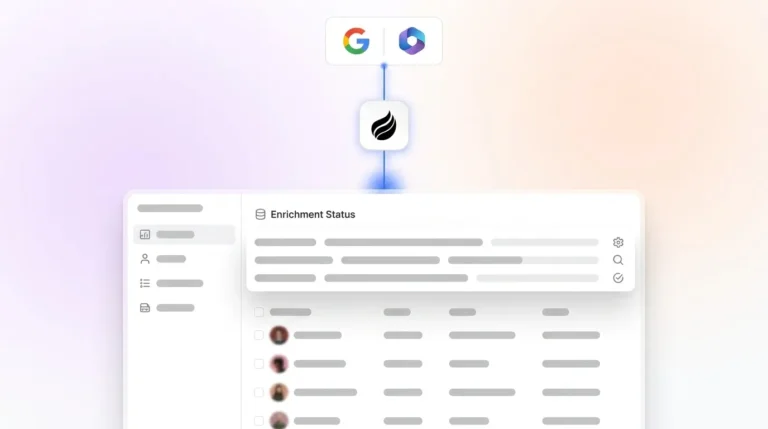
Coffee’s agent addresses this at the architecture level. Because the agent owns both the data ingestion layer and the primary CRM database, or writes to Salesforce and HubSpot through a governed sync, it enforces field completeness, enriches contacts automatically, and preserves full historical context in a built-in data warehouse. HubSpot’s Breeze AI features rely on portal data as input, so inaccurate integration data from meeting automation causes confidently wrong outputs in lead scoring and deal health predictions. The agent model reduces that risk by ensuring clean data enters before any AI output is generated.
Start automating with Coffee’s agent to guarantee data quality in and accurate insights out.
AI-Powered CRMs for Pre-Meeting Research and Live Capture
Research consistently shows that prepared sales reps convert more meetings into pipeline than unprepared reps, which highlights why pre-meeting briefings matter. Despite this, most CRM-native automation builders do not generate pre-meeting briefings from a combination of CRM history, email threads, enrichment data, and external signals.

Salesforce Einstein Copilot summarizes account history and suggests deal actions, but Salesforce Einstein requires clean, consistent data before its briefing features function reliably. HubSpot Breeze handles prospecting research with a clean interface but offers limited customization depth for enterprise teams with complex sales motions.
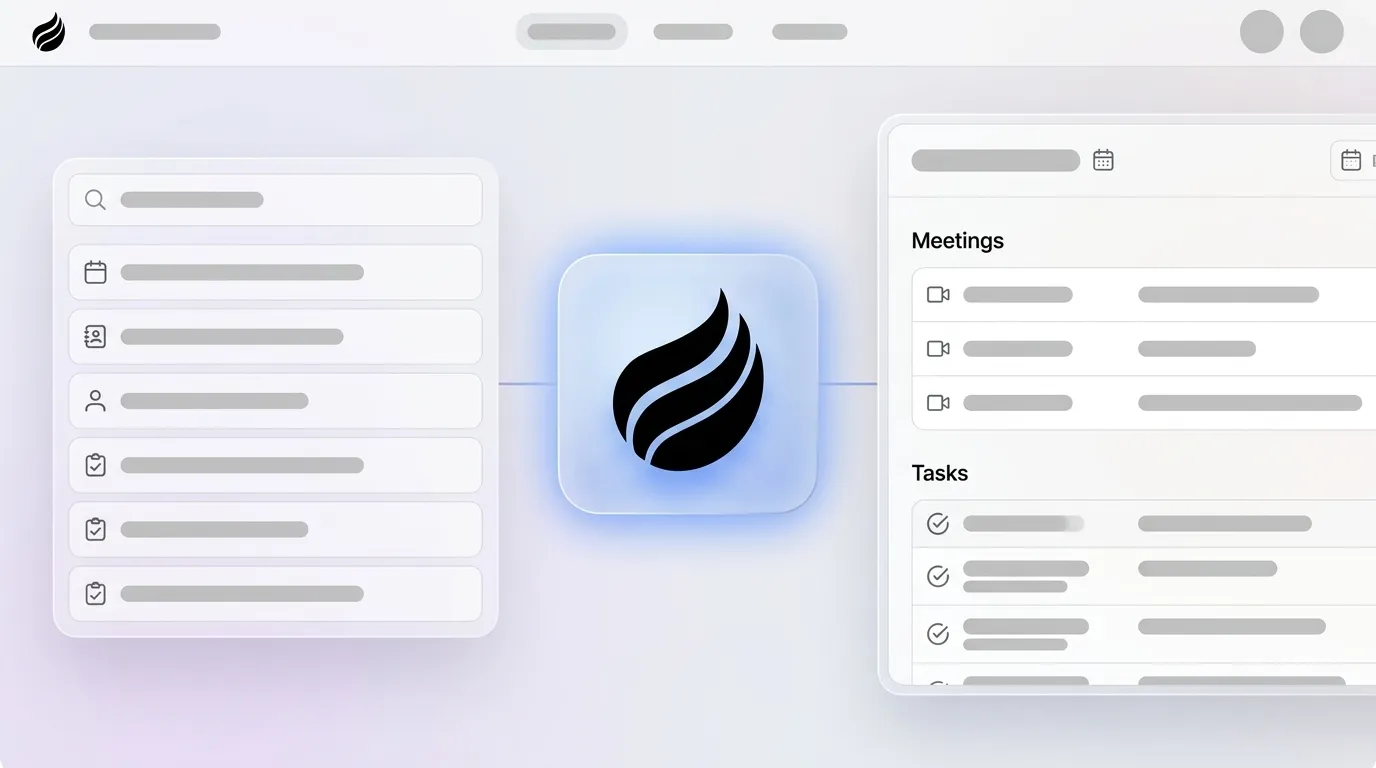
Coffee’s agent generates a structured “Today” page each morning that briefs reps on attendees, roles, past interaction context, and deal history. Custom Meeting Briefings and Summaries launched in February 2026, enabling users to define exact formats, from high-level executive summaries to granular technical breakdowns. The agent also joins calls on Zoom, Teams, and Meet to record, transcribe, and apply speaker tracking, with speaker tracking showing breakdowns and talk time per participant added in December 2025. For teams already using Fathom, Gong, or Fireflies for recording, Coffee expanded call recording options in January 2026 via Zapier integration with those tools and a Desktop app for MacOS, Windows, and Linux.

AI Sales Automation for Post-Meeting Follow-Up and CRM Sync
Reps spend 30 to 40 minutes per call on manual post-call admin reconstructing details from memory. A top-rated AI sales automation tool must close this gap without creating new integration maintenance work by automating the most time-intensive tasks.
CRM logging and notes consume significant time when reps handle note-taking and data entry manually. Follow-up automation then adds further weekly savings for Account Executives by removing repetitive drafting and scheduling work.
Coffee’s agent handles this end-to-end. After a call, the agent generates a summary, extracts next steps and qualification fields, writes them to the CRM, and drafts a follow-up email in Gmail for rep review. CRM logging after the meeting should include meeting date, updated deal stage, pain stated, objection recorded, commitment made, and next follow-up date, and the Coffee agent populates all of these fields automatically. For teams on Salesforce or HubSpot, the agent writes these fields back through a governed sync that preserves the existing CRM of record without requiring a migration.

Time Savings and Scalability Trade-offs
According to Outreach’s 2026 Agent Productivity Impact Report, revenue teams reclaim up to 10 hours per rep per week using AI, which equates to over 60 days of selling time per rep per year. Developers using single AI tools save 5.2 hours per week, while those using multi-agent setups save 11.4 hours per week, showing how broader automation coverage compounds time savings.
This creates a scalability paradox for fragmented stacks. Reaching maximum time savings requires adding more tools, but sellers already use an average of 8 tools to close deals, and that tool sprawl has consequences. Overwhelmed sellers are 45% less likely to attain quota, so the pursuit of efficiency through additional point solutions can actually harm performance.
Coffee’s agent model resolves this by consolidating the jobs of multiple tools, including CRM, enrichment, recording, briefing, follow-up, and forecasting, into one platform. The case study customer generating tens of millions in revenue adopted Coffee’s agent to automate contact creation from Google Workspace, run weekly pipeline reviews through the Pipeline Compare feature, and use API access for bespoke briefing scripts, all without adding headcount or additional point solutions. AI-augmented reps generate 41% more revenue ($1.75M vs $1.24M per rep) while running 18% fewer activities per month, according to the Revenue Velocity Lab 2026 benchmark.
Best-Fit Use Cases for Different Sales Teams
Three distinct team profiles map to different Coffee deployment options.
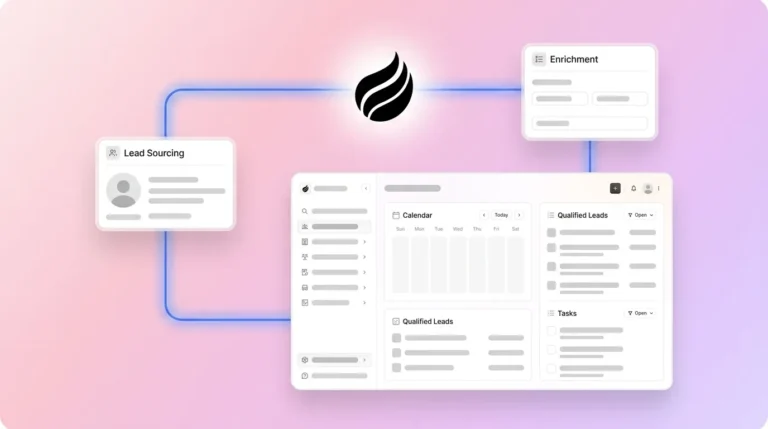
- Early-stage teams (1–20 employees): Founders and early sales hires who have outgrown spreadsheets but find HubSpot or Pipedrive to be expensive manual chores. Coffee’s Standalone CRM deploys the agent as the full CRM of record with no legacy migration required.
- Growing sales organizations (20–200 employees): Teams running fragmented stacks of ZoomInfo, Gong, and a CRM who need unified briefing, transcription, and CRM sync without replacing their existing workflow. Coffee’s Companion App deploys the agent on top of the existing Salesforce or HubSpot instance via simple OAuth authentication.
- Established Salesforce or HubSpot users: RevOps leaders with low CRM adoption and poor data quality who need the agent to enforce field completeness and write clean data back to the existing CRM. Coffee’s Companion App addresses the “garbage in” problem directly, enabling Salesforce Einstein and HubSpot Breeze AI features to function on reliable data.
Operational and Long-Term Considerations for Coffee
Change management represents the most underestimated cost in any automation deployment. Mid-market sales teams often achieve faster ROI with workflow-embedded AI because adoption rates are significantly higher when AI capabilities reside where reps already work. Platforms that require separate logins and context switches face adoption decay regardless of feature depth.
Data hygiene governance must be defined before deployment. Automation fails when teams attempt to automate dirty data, vague handoff rules, or uncontrolled outbound volume, as these issues are amplified rather than solved by AI. Coffee’s agent mitigates this by enforcing enrichment and field completion at the point of data entry rather than relying on periodic cleanup campaigns.
Vendor dependence also deserves attention. Coffee’s seat-based pricing model, where the agent’s unlimited labor is included in the seat cost, avoids the consumption-based pricing risk that Agentforce introduces, where spend increases with usage and workflow costs vary with the extent to which the system relies on LLM reasoning.
Risks, Limitations, and Common Misconceptions
Several misconceptions affect platform evaluations in 2026.
- Incomplete automation is not zero automation: Sales call automation requires both clean transcript capture and reliable structured data storage in the CRM before it can fully automate the pre- and post-meeting loop. Teams that deploy transcription without CRM sync governance capture audio but not intelligence.
- Add-on layers do not fix structural problems: Vendor add-ons such as Salesforce Agentforce and Microsoft Copilot for Sales do not fix structural CRM limitations when the underlying workflow remains constrained by legacy design problems.
- Integration gaps create hidden maintenance costs: As mentioned earlier, CRM data quality degrades naturally over time, and third-party integrations with HubSpot introduce data quality risks through field mapping issues, synchronization failures, conflicting values, and inconsistent naming conventions that require ongoing RevOps attention.
- AI enrichment quality: Coffee’s built-in enrichment via licensed data partners covers job titles, funding, and LinkedIn profiles for most SMB and mid-market use cases, though teams with highly specialized data requirements may need to evaluate coverage depth against dedicated enrichment vendors.
- Agentic AI project risk: Gartner warned in 2025 that over 40% of agentic AI projects may be canceled by the end of 2027 because of escalating costs, unclear business value, or inadequate risk controls. Narrow, measurable workflows, such as the pre- and post-meeting loop, are where AI automation delivers the most reliable ROI.
Decision Framework for Choosing a Meeting Automation Platform
Match your current constraints to the appropriate platform model.
- No CRM, or CRM is a spreadsheet: Coffee Standalone CRM, where the agent handles the full CRM of record, briefing, transcription, and follow-up from day one.
- On Salesforce or HubSpot with low adoption and dirty data: Coffee Companion App, where the agent writes clean data back to the existing CRM without migration.
- On Salesforce or HubSpot with good data, needing only transcription: Gong or Avoma work for conversation intelligence alone, but require separate tools for briefing, enrichment, and follow-up sequencing, and many sales teams without an all-in-one platform plan to consolidate their technology.
- Evaluating CRM-native AI builders only: Embedded AI within CRM platforms typically costs $50–$150 per user per month and delivers value within 2–4 weeks, but does not replace the need for a dedicated meeting automation agent covering briefing, live capture, and transcript-driven follow-up.
Compare Coffee to your current stack with a live demo.
Frequently Asked Questions
How long does it take to implement Coffee and see time savings?
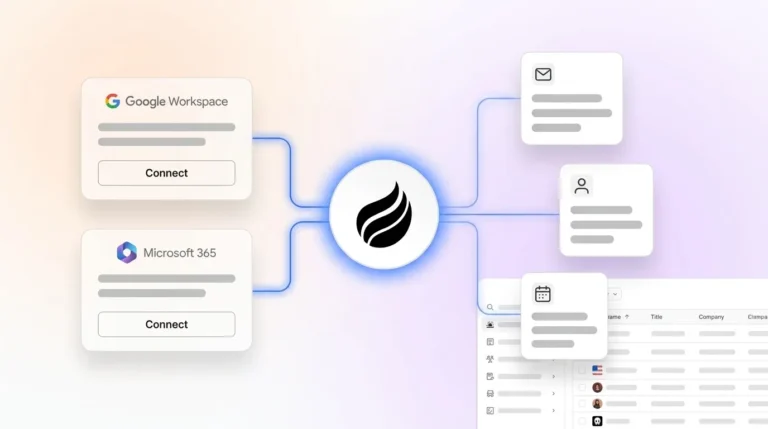
Coffee connects to Google Workspace or Microsoft 365 via OAuth authentication. Once connected, the agent begins auto-creating contacts, logging activity, and generating meeting briefings immediately. Most teams see measurable time savings within the first week of use. The Companion App for Salesforce and HubSpot follows the same authentication model and does not require a CRM migration or dedicated admin to configure.
Does Coffee replace Salesforce or HubSpot, or work alongside them?
Coffee operates in two distinct modes. As a Standalone CRM, it replaces legacy systems entirely for small to mid-sized teams that want an agent-powered CRM of record. As a Companion App, it deploys on top of an existing Salesforce or HubSpot instance, writing enriched contacts, meeting summaries, deal stage updates, and follow-up data back to the existing CRM without disrupting current workflows, quotas, or required fields. Teams committed to Salesforce or HubSpot keep their CRM of record, and Coffee’s agent handles the data entry and meeting automation layer.
Is Coffee secure, and how is data handled?
Coffee is SOC 2 Type 2 and GDPR compliant. Data captured by the agent, including call transcripts, email content, and CRM records, is not used to train public AI models. For teams in regulated industries or with enterprise security review requirements, Coffee’s compliance documentation is available on request. Coffee is not currently designed for heavily regulated industries such as healthcare or finance that require multi-year security reviews.
What happens to existing CRM data when Coffee is connected?
When deployed as a Companion App, Coffee reads existing Salesforce or HubSpot records to generate briefings and enriches them with additional data from licensed partners. The agent writes new activity, meeting summaries, and qualification fields back to the CRM but does not overwrite or delete existing records. Coffee’s deep understanding of Salesforce and HubSpot integration architecture, including required fields, forecasting categories, and custom objects, ensures that synced data conforms to the existing org configuration rather than creating field conflicts or duplicate records.
How does Coffee’s pricing work compared to stacking multiple point solutions?
Coffee uses seat-based pricing where the agent’s unlimited labor, including briefings, transcription, CRM sync, follow-up drafting, enrichment, and pipeline intelligence, is included in the seat cost. There is no consumption-based metering on AI usage or per-workflow charges. A typical fragmented stack covering the same workflow surface area requires separate subscriptions for a CRM, an enrichment tool, a conversation intelligence platform, and a sequencing tool, each with its own per-user fee and integration maintenance cost. Coffee consolidates all of these into one agent at a single seat price.
Conclusion: Final Decision Framework for Coffee vs Legacy Stacks
Salesforce’s 2026 State of Sales report credits AI agents with 34% time savings in research and 36% time savings in content creation, and top-performing sales teams are more likely to use AI agents than underperformers. The defining variable is not whether to deploy an agent, but whether that agent owns the full pre- and post-meeting loop or operates as one more disconnected tool requiring manual data transfer.
Legacy CRMs and point solutions force reps to serve the software. Coffee’s agent model inverts that relationship, so the agent handles briefings, transcription, CRM sync, and follow-up drafting while reps spend their time selling. Whether deployed as a Standalone CRM for teams that have outgrown spreadsheets or as a Companion App for established Salesforce and HubSpot users, Coffee is the single agent that unifies structured and unstructured data across the entire virtual sales meeting lifecycle.
See Coffee in action and benchmark the agent against your current tools.