Written by: Doug Camplejohn, CEO & Co-Founder, Coffee | Last updated: August 19, 2026
How This Enrichment Playbook Helps Your Team
- Enrichment is largely solved. The real challenge is governance, with rules, intervals, and automation that turn raw signals into decision-ready CRM records.
- Start with prerequisites: live HubSpot or Salesforce, connected email and calendar, documented ICP, and defined lifecycle stages.
- Follow the 7-step workflow. Map minimum viable records, connect real-time sources, set confidence rules, refresh by field tier, wire into scoring and routing, trigger dynamic lists, and measure response time, hours saved, and conversion lift.
- Avoid common pitfalls like bidirectional sync conflicts and API rate-limit failures by enforcing field-level overwrite rules and staging workflows.
Ready to automate every step without touching rep workflows? Book a Demo with Coffee and get started today.
The 7-Step Enrichment-to-Action Workflow
- Map your minimum viable CRM record and assign field-level overwrite rules. A minimum viable dataset for B2B prospecting consists of verified work email, full name, current job title, and company name as must-haves. Treat these as the baseline for routing and scoring. Every field beyond that set must earn its place by supporting a named routing, scoring, or forecasting decision. Once you define that field set, align overwrite rules with how each field is used. For identity fields such as First Name and Last Name, HubSpot recommends the “Fill empty values only” overwrite rule to protect rep-entered data from being overwritten by enrichment. Apply “Fill empty values and overwrite existing values” only to fast-changing fields such as Job Title and Employment Seniority, where freshness matters more than preserving manual edits.
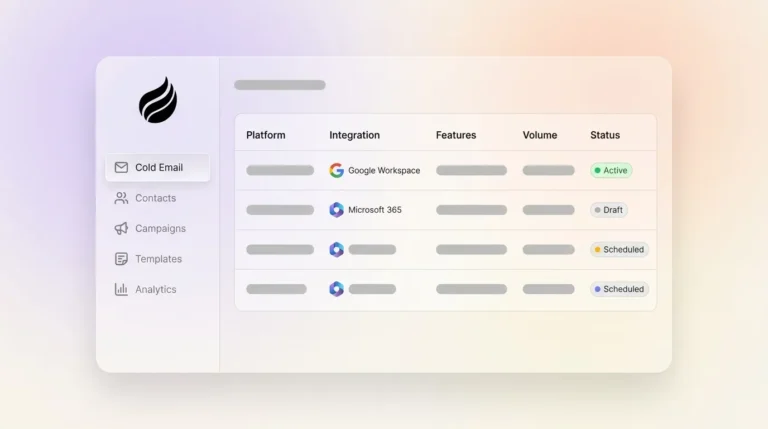
- Connect your email and calendar source and enable real-time capture. Real-time enrichment must occur before scoring, routing, and CRM ingestion, because enriching after scoring produces incorrect scores and routing decisions that require later patching. Connecting Google Workspace or Microsoft 365 gives the enrichment layer ground-truth interaction data to work from immediately. That connection lets the system auto-create and update records based on real conversations instead of static lists.
- Configure source-confidence rules so the highest-confidence value always wins. The recommended write-back policy defaults to “fill-only” for reachability fields and blocks overwrites unless a verified timestamp and documented precedence rule exist. Provenance, meaning source plus date, must be stored for audit and rollback. Conflict resolution rules must be defined in advance, such as “most recently updated data wins” or “provider with highest accuracy score wins,” to protect human-verified values from being overwritten. These rules keep enrichment helpful instead of disruptive.
- Set enrichment refresh intervals by field tier. Enrichment should occur on record creation to establish baseline data quality, followed by monthly refreshes of Tier 1 critical fields and quarterly deep refreshes of all fields. Apollo recommends refreshing active pipeline or hot leads every 15–30 days, the MQL pool before each routing cycle, and the full database quarterly. These intervals balance data freshness with API and budget constraints.
- Wire enriched fields into lead scoring and routing logic. A practical scoring formula combines seniority (0–30 points), department (0–20), headcount (0–25), industry (0–15), and enrichment confidence (0–10), with scores of 80–100 routed hot to an AE immediately, 50–79 placed into an SDR sequence, and scores below 50 entering nurture. Lead routing for territory assignment depends on firmographic fields including company size, industry, and location. When these fields are blank or outdated, leads are routed to the wrong reps and conversion rates drop. Tying enrichment directly to scoring and routing ensures every enriched field drives a clear action.
- Build dynamic list triggers for campaigns and nurture sequences. Dynamic lists auto-enroll new contacts as enrichment updates qualifying fields, which keeps ICP-fit leads from sitting idle. Tie re-enrollment triggers to job-change signals and funding events so sequences stay relevant without manual list pulls. This approach keeps campaigns aligned with live account changes.
- Measure success with lead response time, manual-entry hours saved, and stage-conversion lift. Responding to an inbound lead within five minutes makes a business roughly 100× more likely to make contact and 21× more likely to qualify the lead than waiting 30 minutes. Track median time-to-connect, connect rate, and meetings set per 100 assigned records against a two-to-four-week holdout group to isolate enrichment impact. These metrics show whether enrichment is improving speed, efficiency, and revenue, not just filling fields.
Ready to automate every step above without touching rep workflows? Book a Demo with Coffee and get started today.
How Coffee’s Agent Supports Each Enrichment Step
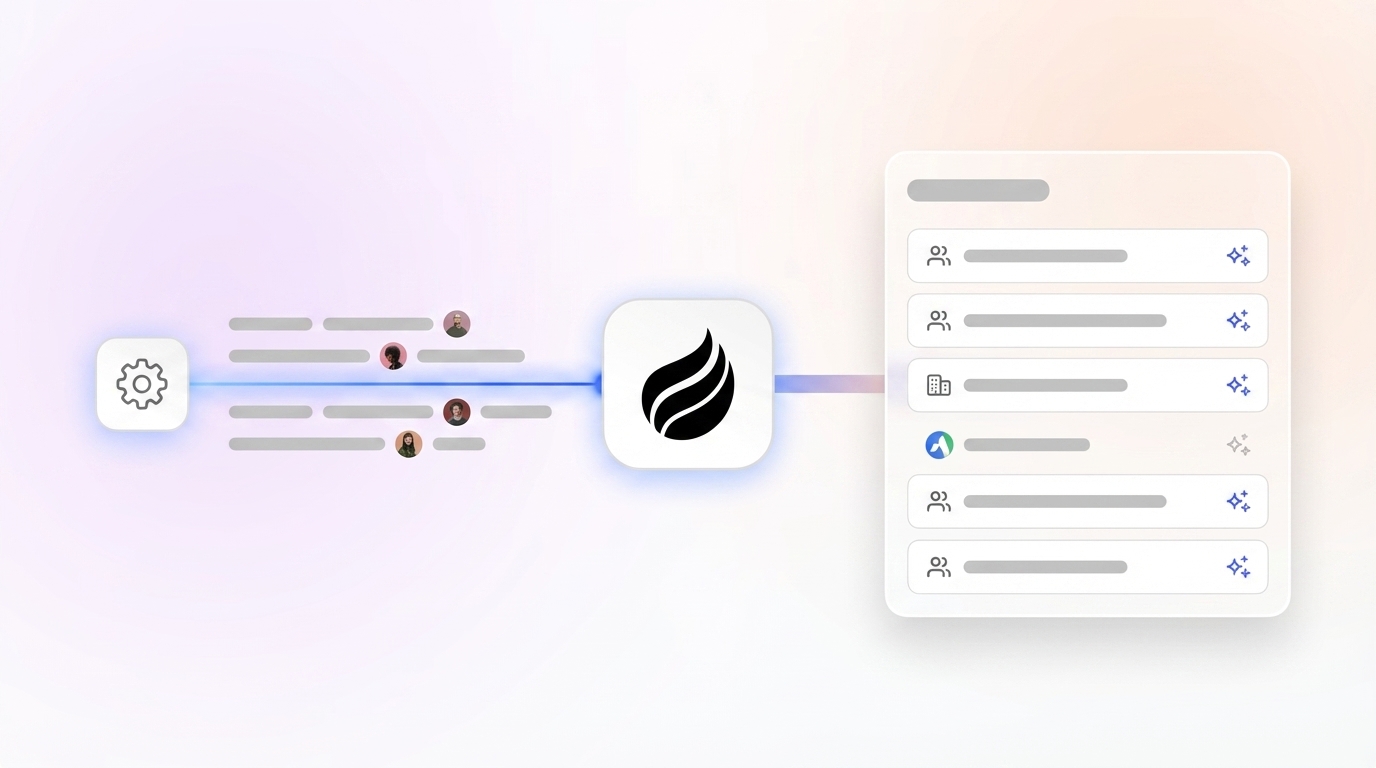
Coffee’s autonomous Agent operates as the execution layer across all seven steps. Upon connecting Google Workspace or Microsoft 365, the Agent scans emails, calendars, and call transcripts, handling structured and unstructured data together. It auto-creates contacts and companies, appends job titles, funding signals, and LinkedIn profiles via licensed data partners, and logs every interaction against the correct record. Unlike point enrichment tools that write a batch of fields and stop, the Agent applies the source-confidence overwrite rules configured in Step 3 on every write event. It then pushes clean records back to Salesforce or HubSpot without requiring a rep to review or approve routine data updates.
Most revenue teams already have an established CRM, so Coffee offers flexible deployment options. For teams already running Salesforce or HubSpot, Coffee deploys as a Companion App, an intelligent layer on top of the existing instance. The Agent handles the “data in” process so the system of record stays accurate, adoption stays high, and the downstream scoring and routing logic in Steps 5 and 6 always operates on complete records.
Common Mistake: Manual Overwrite Conflicts
Callout: How rep-entered data gets erased and how to stop it
The most common enrichment failure mode is bidirectional sync with no field-level authority model. Bidirectional sync on demographic fields is a common misconfiguration that degrades data quality. Configure most contact and company properties with a one-way direction from the system of record to prevent HubSpot enrichment or form submissions from overwriting verified Salesforce data. Prevent this with three controls:
- Set “Fill empty values only” on all identity and rep-verified fields at the property level in HubSpot or via field-level permissions in Salesforce.
- Ensure enriched data never overwrites human-verified data in the CRM, such as a rep-confirmed direct phone number, and log all enrichment-driven changes for audit purposes.
- HubSpot workflows using the Enrich record action take precedence over property-level overwrite rules, so audit workflow-level enrichment actions separately from property-level defaults.
Pro Tip: Field-Level Freshness Intervals
Callout: Recommended cadences and governance checkpoints
B2B contact data decays at 70.3% annually per Gartner, so your refresh strategy must match how quickly each field changes. Use these tier-based intervals to keep routing and scoring decisions accurate without wasting API calls on static data:
- Tier 1 (routing-critical): Company size, industry, job title, direct email, refreshed monthly or on job-change trigger.
- Tier 2 (scoring-relevant): Tech stack, funding stage, seniority, refreshed quarterly.
- Tier 3 (context): LinkedIn URL, headquarters address, refreshed semi-annually.
- Governance checkpoint: Monthly governance checks should include auditing active field mappings for correct sync direction, reviewing inclusion lists, checking for new duplicates, and reconciling sample records side-by-side.
API Rate Limits: How to Keep Enrichment Jobs Stable
Callout: Practical fixes and monitoring steps
Bulk enrichment jobs frequently hit Salesforce or HubSpot API daily limits, which causes silent write failures and incomplete records. The following controls help you stay within rate limits while ensuring every enrichment write completes successfully:
- Schedule bulk enrichment jobs during off-peak hours and batch records in groups of 200 or fewer per API call.
- Monitor daily by reviewing the sync error queue, confirming record volumes match expectations, and tracking Salesforce API usage against daily limits, especially after bulk jobs.
- Implement exponential back-off retry logic so failed writes re-queue automatically rather than dropping silently.
- Use a staging workflow, enriching outside the CRM, validating formats, then importing approved fields, when no native integration exists to prevent malformed data writes.
Success Metrics That Actually Move Revenue
B2B teams responding to inbound leads within five minutes achieve a 21% conversion rate, compared to 2.3% for teams responding after 24 hours, representing roughly a 9× difference on the same leads. A governed enrichment workflow directly enables sub-five-minute response by ensuring every routed record is complete and scorable before it reaches a rep.
To measure whether your enrichment workflow is delivering that speed and completeness, track these three outcome metrics at the 30-day mark:
- Lead response time under 5 minutes for all ICP-fit inbound leads, measured from form submission or CRM record creation to first rep touch.
- 25% reduction in manual data-entry hours, tracked by comparing rep-reported research time before and after the enrichment workflow goes live. Automated CRM enrichment can help reduce data decay and save time on manual data entry.
- 15–20% lift in stage-conversion rates, measured by comparing MQL-to-SQL and SQL-to-opportunity rates for enriched versus non-enriched cohorts. Appending firmographic, technographic, and intent data through enrichment can improve lead scoring accuracy.
Coffee’s Agent is built to deliver all three. See the metrics Coffee customers hit in the first 30 days by scheduling a walkthrough.
Advanced Techniques for Campaigns and Governance
Dynamic list triggers for Campaigns. Wire enrichment field updates, such as headcount crossing an ICP threshold, a funding-round signal, or a job-change event, directly to Campaign enrollment criteria. This setup creates a risk when a contact qualifies mid-campaign while a rep is already in conversation, because automated messages can stack on top of live threads. Coffee’s Campaigns solve this by running natively from the rep’s own connected mailbox with stop-on-reply enabled. New contacts that qualify mid-campaign enroll automatically without creating duplicate sequences or sending automated messages after a real conversation has started.
Minimum Viable Record template checklist. Use this checklist to audit every active record before routing fires:
- First Name, Last Name, and verified Business Email populated
- Job Title and Seniority enriched and dated within the current refresh interval
- Company Name, Company Domain, Employee Count, and Industry present
- Initial Lead Source locked as read-only after first capture
- Consent Timestamp and Data Region recorded for compliance
- ICP Score calculated and stored as a static field at MQL conversion
- Enrichment Source and Enriched Date provenance fields populated
Frequently Asked Questions
How do you protect rep-entered data when using enrichment overwrite rules?
Use a field-level authority model rather than blanket overwrite settings. Assign “Fill empty values only” to any field a rep is likely to verify manually, such as direct mobile numbers, custom notes, and confirmed decision-maker status. Reserve “Fill empty values and overwrite existing values” for fields that change frequently and are unlikely to be manually verified, such as company headcount or funding stage. Store a provenance record, meaning enrichment source plus timestamp, alongside every enriched field so any overwrite can be audited or rolled back. Coffee’s Agent enforces these rules automatically on every write event, so no rep needs to monitor or correct enrichment conflicts manually.
What is the difference between Apollo, Clay, and Coffee for CRM enrichment?
Apollo and Clay are data and workflow tools that append fields to records, but neither functions as an autonomous CRM agent. Apollo is primarily a prospecting database with enrichment capabilities and requires a separate CRM to store and act on the data. Clay is a flexible enrichment orchestration layer that can waterfall multiple providers, but it still requires manual workflow configuration and does not write governed records back to Salesforce or HubSpot without additional setup. Coffee is the only solution that ingests both structured data, such as firmographics and contact fields, and unstructured data, such as email threads and call transcripts, through a single autonomous Agent. It applies source-confidence overwrite rules automatically and writes clean records back to your existing Salesforce or HubSpot instance, or operates as the system of record itself, without rep intervention at any step.
How often should contact enrichment data be refreshed in HubSpot or Salesforce?
The correct cadence depends on the field tier and the record’s pipeline stage. Routing-critical fields such as job title, direct email, and company size should refresh monthly for active pipeline records and on any job-change or funding trigger. Scoring-relevant fields such as tech stack and funding stage warrant a quarterly refresh. Context fields such as LinkedIn URL and headquarters address can be refreshed semi-annually. Inbound leads should be enriched in real time at the point of capture before any routing or scoring logic fires. Records that have not been enriched in 90 days should trigger automatic re-enrichment to prevent stale data from producing incorrect routing decisions in nurture sequences.
Is Coffee’s Agent SOC 2 Type 2 and GDPR compliant?
Yes. Coffee is SOC 2 Type 2 certified and GDPR compliant. Customer data is not used to train public models. For teams in regulated or data-sensitive environments, Coffee’s compliance posture means enrichment automation and CRM write-back operate within the same security boundaries as the existing Salesforce or HubSpot instance it connects to.
Turn Enrichment Data Into Automated Pipeline Decisions Today
The seven-step Enrichment-to-Action workflow above converts enrichment from a data-append exercise into a governed, revenue-generating system. You define the minimum viable record, connect real-time data sources, apply source-confidence overwrite rules, set field-level refresh intervals, wire enriched fields into scoring and routing, trigger dynamic campaign enrollment, and measure outcomes in lead response time, manual-entry hours, and stage-conversion lift.
Every step relies on the same underlying capability, an agent that ingests structured and unstructured data, applies overwrite rules without human intervention, and writes clean records back to the CRM automatically. That is exactly what Coffee’s Agent does, whether deployed as a Companion App on top of your existing Salesforce or HubSpot instance or as a standalone system of record. No rep overrides. No budget wasted on enrichment that never reaches a decision.
Watch Coffee’s Agent turn your enrichment data into automated pipeline decisions in a live demo.