
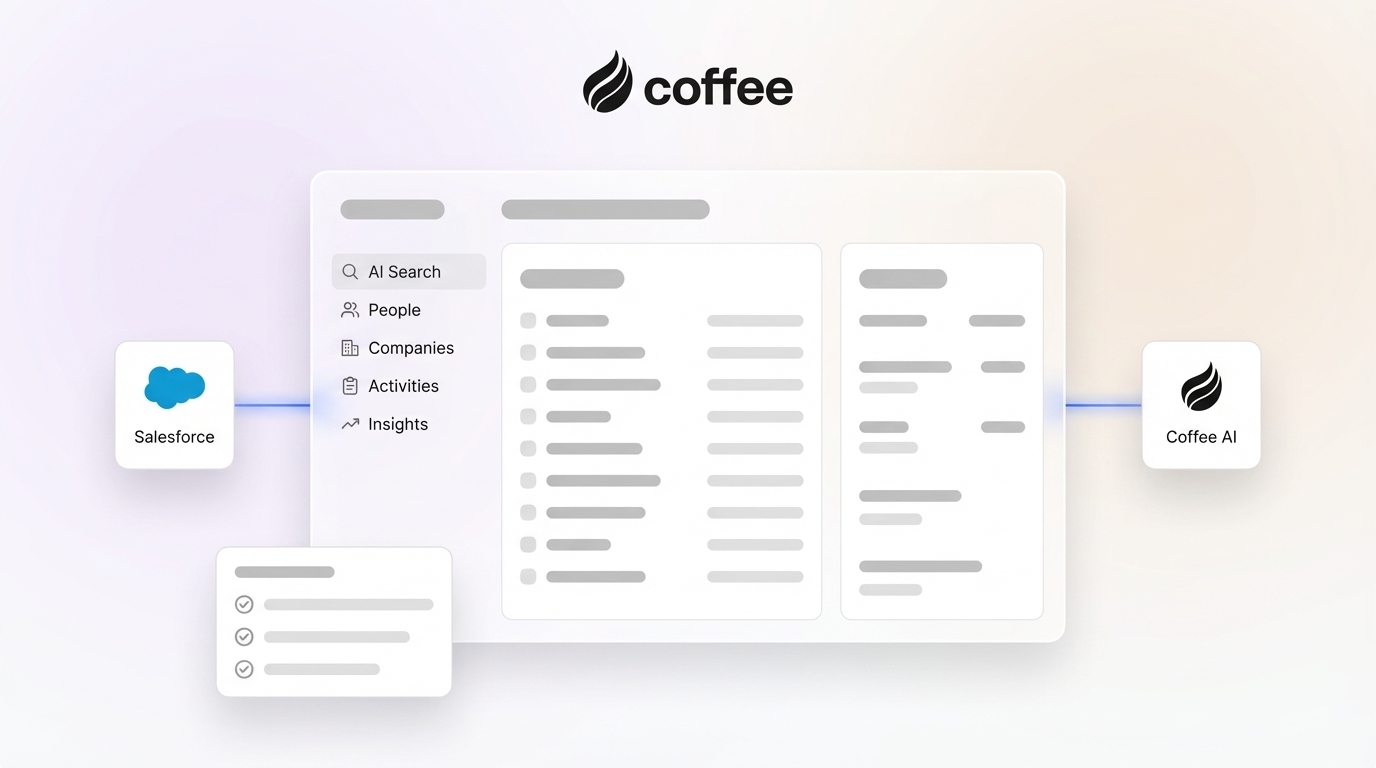
In today’s competitive sales environment, efficiency is critical. Yet, many sales teams struggle with the time-consuming task of manual data entry in Salesforce, a process that often pulls focus away from closing deals. As businesses scale and customer expectations grow, the CRM market has evolved to address these challenges with innovative tools. AI-driven automation represents a significant shift, helping sales professionals reclaim valuable time while ensuring data accuracy. This trend reflects a broader move toward smarter workflows, with companies increasingly integrating AI companions into existing systems like Salesforce and HubSpot to enhance productivity.
Among these solutions, Coffee stands out as a practical example of how AI can elevate CRM functionality. Its AI Companion App automates repetitive tasks, enriches data, and provides actionable pipeline insights for Salesforce users. This article explores the broader landscape of CRM challenges, evaluates the role of AI in solving them, and highlights how tools like Coffee fit into this growing trend. Ready to see how automation can improve your sales process? Request access to Coffee and experience the difference.
Why Manual Salesforce Data Entry Slows Down Your Sales Team
Manual data entry in Salesforce often takes up a large portion of a sales rep’s day, cutting into time that could be spent engaging with prospects. Studies indicate that sales reps dedicate only about 35% of their work hours to active selling, with a significant 71% reporting that administrative tasks like data entry consume too much time Salesforce sales performance data. This imbalance directly affects revenue potential.
For many teams, daily routines include logging meeting notes, updating opportunity stages, entering contact details, and scheduling follow-ups by hand. These repetitive tasks accumulate, turning quick updates into hours of work. The delay in updating records can result in outdated pipeline information, leaving sales managers with unreliable data for forecasting and decision-making.
The impact extends beyond time loss. Incomplete or delayed updates create gaps in customer insights, making it harder to tailor strategies and build relationships. When Salesforce becomes more of a burden than a benefit, sales efficiency suffers. Automation offers a way to address these issues by handling repetitive tasks and maintaining data consistency.
How Poor Data Quality Affects Your Salesforce Performance
Inaccurate data in Salesforce can disrupt every aspect of sales operations. When reps rush through manual updates, errors like duplicate contacts or incorrect opportunity details become common. These mistakes lead to unreliable forecasts, missed opportunities, and fragmented customer information.
One significant problem is the creation of “shadow CRMs,” where reps lose trust in Salesforce data and resort to personal spreadsheets or notes to track deals. This creates isolated pockets of information, leaving managers without a clear view of pipeline status. The result is a disconnected sales process that hinders planning and growth.
Automating data entry can help eliminate these issues. By reducing human error and ensuring consistent updates, AI tools improve data quality and encourage reps to rely on Salesforce as their central system. This shift creates a stronger foundation for decision-making and long-term success.
What You Need to Get Started with AI Automation for Salesforce
Required Setup: Salesforce Access and Coffee Integration
To begin automating Salesforce tasks with AI, ensure you have an active Salesforce account with administrative permissions for integrations. Tools like Coffee work as an additional layer on top of your existing setup, maintaining your custom fields, workflows, and data structure without disruption.
You’ll also need to sign up for Coffee’s Companion App through a simple registration process. Coffee connects with Google Workspace or Microsoft 365 accounts to analyze communication and meeting data, powering its automation features. This integration allows your team to keep using Salesforce as usual while AI handles background tasks.
Time and Impact: What to Expect from Integration
Setting up Coffee with Salesforce typically takes less than 30 minutes, offering immediate value compared to traditional software implementations that can span months. Initial benefits, like time savings on data entry, become noticeable right away.
Over the first few weeks, Coffee adapts to your team’s communication patterns, building detailed contact profiles and refining automation. The real value emerges as reps shift focus from administrative work to leveraging Salesforce as a strategic tool. Curious about the results? Request access to start automating your CRM.
Step-by-Step Guide to Integrating Coffee for Salesforce Automation
Step 1: Connect Coffee Securely to Your Salesforce Account
Log into your Coffee account and navigate to the Salesforce integration section. Using secure OAuth 2.0 authentication, Coffee connects without storing your credentials, prioritizing data protection. Click “Connect to Salesforce,” log in on the redirected page, and review the minimal permissions needed for automation of contacts, accounts, and activities.
With compliance to SOC 2 Type 2 and GDPR standards, Coffee ensures encrypted, real-time data sync. The initial sync, which maps your Salesforce structure including custom fields, completes in about 5 to 10 minutes, aligning automation to your specific setup.
Step 2: Automate Contact and Company Data in Salesforce
Coffee immediately begins creating and updating contacts and companies in Salesforce by scanning emails and calendar invites from linked Google Workspace or Microsoft 365 accounts. It pulls details like names, job titles, and company information, enriching records with additional data such as funding status or LinkedIn profiles.
To keep your database clean, Coffee filters out irrelevant contacts based on communication patterns, adding only meaningful business connections. This approach ensures your Salesforce data remains focused and useful for sales efforts.
Step 3: Automatically Log Activities and Track Next Steps
Coffee eliminates the need to manually log activities by tracking emails and meetings, creating detailed records in Salesforce with full context. It also identifies follow-up actions from conversations, setting tasks with due dates to keep deals progressing.
This automation reduces the risk of shadow CRMs. When interactions are captured effortlessly, reps are more likely to trust and use Salesforce as their primary data source, improving team visibility and data consistency.
Step 4: Enhance Meetings with AI for Better Salesforce Insights
Coffee supports meeting preparation and follow-up with practical features. Its “Today” page provides briefings before calls, including attendee details, company background, and past interaction summaries, updated in real time for accuracy.
During meetings on platforms like Google Meet, Microsoft Teams, or Zoom, Coffee’s AI bot records and transcribes discussions discreetly. After the call, it generates summaries of key points and action items, linking them to Salesforce records, and drafts follow-up emails for quick review and sending via Gmail.
For structured insights, Coffee organizes meeting data using sales frameworks like BANT or MEDDIC, populating relevant Salesforce fields. This consistency helps track deal progress and supports onboarding new team members with clear historical records.
Step 5: Gain Pipeline Insights for Reliable Salesforce Forecasts
Coffee’s “Pipeline Compare” feature delivers week-over-week pipeline updates with one click, showing progressed deals, new opportunities, and stalled ones. This simplifies pipeline reviews and supports strategic planning.
With a built-in data warehouse, Coffee stores historical pipeline snapshots for ongoing analysis. This capability improves forecast accuracy and enables data-driven decisions without requiring external tools or manual exports, all within your Salesforce environment.
Results to Expect: Time Savings and Data Improvements with AI
Integrating AI tools like Coffee with Salesforce offers measurable outcomes. Sales reps can save between 8 and 12 hours per week on administrative tasks, freeing up time for direct customer engagement and deal-closing activities HubSpot sales productivity insights.
Data quality also improves through automated capture and enrichment. As Salesforce becomes easier to maintain, reps engage with it more regularly, creating a positive cycle of better data and higher adoption. Want to see these benefits for your team? Request access to Coffee today.
Advanced Features of Coffee for Salesforce Users
Build Targeted Prospect Lists with Coffee’s “List Builder”
Coffee’s “List Builder” simplifies prospecting by allowing natural language queries to generate specific lists, such as identifying VPs of Sales in certain regions or company sizes. Using integrated data enrichment, it creates targeted lists for Salesforce campaigns, making outreach more efficient.
Customize Coffee with API Access for Unique Needs
Through API access, Coffee allows for tailored integrations within your sales tech stack. For instance, one company used Coffee’s data to create custom meeting briefings and action items, showing how adaptable the tool can be to specific workflows in Salesforce.
Common Questions About Coffee and Salesforce Integration
How Does Coffee’s Data Enrichment Work with Salesforce?
Coffee automatically enriches contacts in Salesforce with details like job titles and company information as they’re added. This built-in feature reduces the need for separate data subscriptions, keeping your CRM updated without extra effort.
Does Coffee Replace My Current Salesforce Setup?
No, Coffee functions as an enhancement to your existing Salesforce system. It automates tasks and provides insights while feeding data back into Salesforce, maintaining your customizations and workflows as the central record.
How Does Coffee Ensure Data Security with Salesforce?
Coffee follows SOC 2 Type 2 and GDPR compliance, using OAuth 2.0 authentication to avoid storing credentials. Data is encrypted, and company information isn’t used for AI training without explicit consent, protecting your Salesforce data.
How Does Coffee Address Shadow CRM Issues in Salesforce?
Coffee reduces shadow CRM problems by automating data entry, making Salesforce easier to use. With added value from AI insights and briefings, reps are encouraged to rely on Salesforce, improving data quality and system adoption.
Wrapping Up: Turn Salesforce into a Strategic Asset with Coffee
Manual data entry and inconsistent data quality can hold back traditional Salesforce setups. Tools like Coffee address these challenges by automating routine tasks, enhancing data accuracy, and providing actionable insights, all while preserving your existing CRM investment.
By integrating Coffee, your sales team can focus on building relationships and closing deals rather than handling repetitive updates. Features like pipeline analysis and AI-driven meeting management equip your team with the information needed for better decisions and outcomes.
Ready to move beyond manual tasks and leverage AI in Salesforce? Request access to Coffee’s AI Companion App and transform Salesforce into a powerful sales ally.

| Feature | Coffee Companion App | Manual Salesforce Entry | Impact |
|---|---|---|---|
| Data Entry | Automated (AI-driven) | Manual (user input) | 8-12 hours saved per rep/week |
| Data Enrichment | Automatic & Integrated | Separate tools/manual | Improved data completeness |
| Activity Logging | Automated (email/calendar) | Manual input by reps | Enhanced activity capture |
| Meeting Summaries | AI-generated | Manual note-taking | Consistent, comprehensive records |